Guide
How it works
A guest sits in the salon, scans the QR with their phone, picks a look, and sees the change in seconds.
-
 01
01Sit in the salon
The client is already in the chair or waiting area — no app install needed.
-
 02
02Scan the salon QR
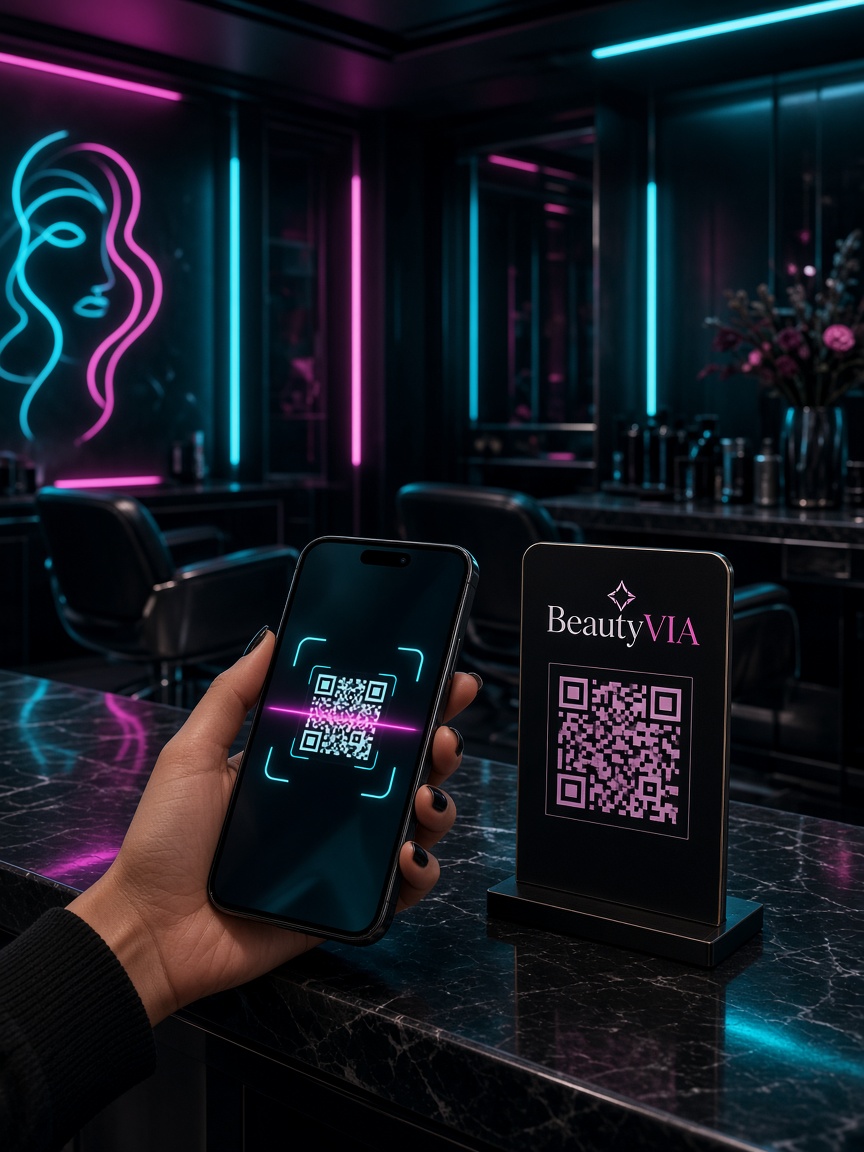
They open the camera, scan the BeautyVIA QR code, and land on the guest try-on page.
-
 03
03Choose a hairstyle or beard
Pick gender, category, and style from the full catalog — hair, beard, or a full look.
-
 04
04See the change
Upload or capture a portrait photo. AI shows the new look on their face in about 15–40 seconds.