

BeautyVIA
AI try-on for modern salons
Turn every consultation
into a visual experience
AI hairstyle & beard try-on for salons. Let clients see a new look before the scissors come out.
Prefer to try a look yourself?
Already have an account? or
Free BETA for salons · create an account to open the try-on studio.
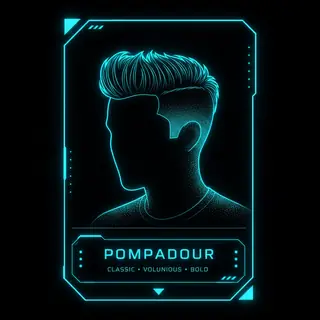
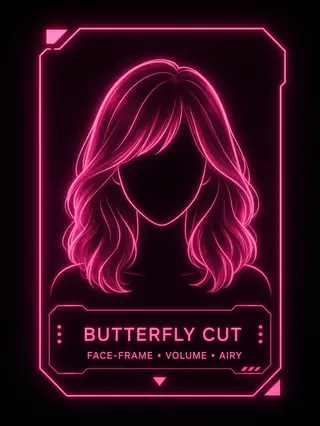

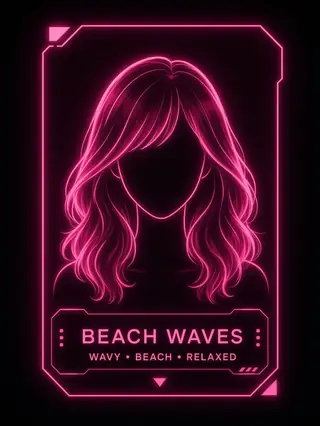
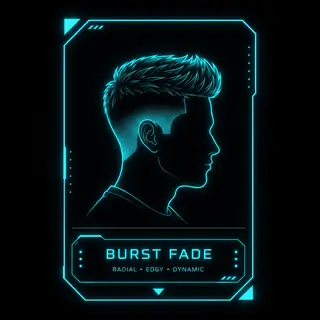
In the salon
Scan. Try. Decide.
Guests open BeautyVIA from your salon QR — right in the chair.
Built for the salon consultation
From QR to decision — in one visit
BeautyVIA helps clients visualize hairstyles and beards before the service — right in the chair.
-
01
Scan
The client scans your salon QR code.
-
02
Try
They upload or take a photo and try different looks.
-
03
Decide
You and the client compare options together.
-
04
Book
They can continue to your salon booking page.
Salon QR
Your salon gets its own AI experience
One QR code opens BeautyVIA for your guests — try-ons use your salon credits and can show your branding.
Why salons use BeautyVIA
Make consultations visual
- Help clients visualize looks before the service
- Turn vague ideas into concrete options
- Keep your salon brand in the experience
- Connect try-on results to your booking page
FAQ
Common questions
Do salon guests need an account?
No. Guests open BeautyVIA from your salon QR and try looks without registering. Your account provides the credits.
How does the salon QR work?
You create a QR in your cabinet. Guests scan it, open your BeautyVIA page, upload a photo, and generate try-ons billed to your salon credits.
Do guests pay to use BeautyVIA?
Guests do not pay through BeautyVIA. Try-ons use the salon owner’s credits (and guest limits you set).
What are credits?
Credits are used for AI generations. Higher image quality uses more credits (1K = 1, 2K = 2, 4K = 3).
Can I use my salon branding?
Yes on Partner plans. Starter shows your salon name on the frame; Business and Studio unlock custom branding and frame on/off.
Can I connect my booking page?
Yes. Add your booking URL in the salon QR settings. Guests can open it after a try-on when that link is set.
What happens after the BETA?
During open BETA, new accounts get free beta credits. Paid Partner plans unlock after beta; unused credits from beta stay on the account when it moves to Free.
More AI beauty tools coming soon.